
All your inboxes.
One calm place.

Gmail, iCloud, Outlook and work mail in one fast, private app. Switch between work and home with a single key.

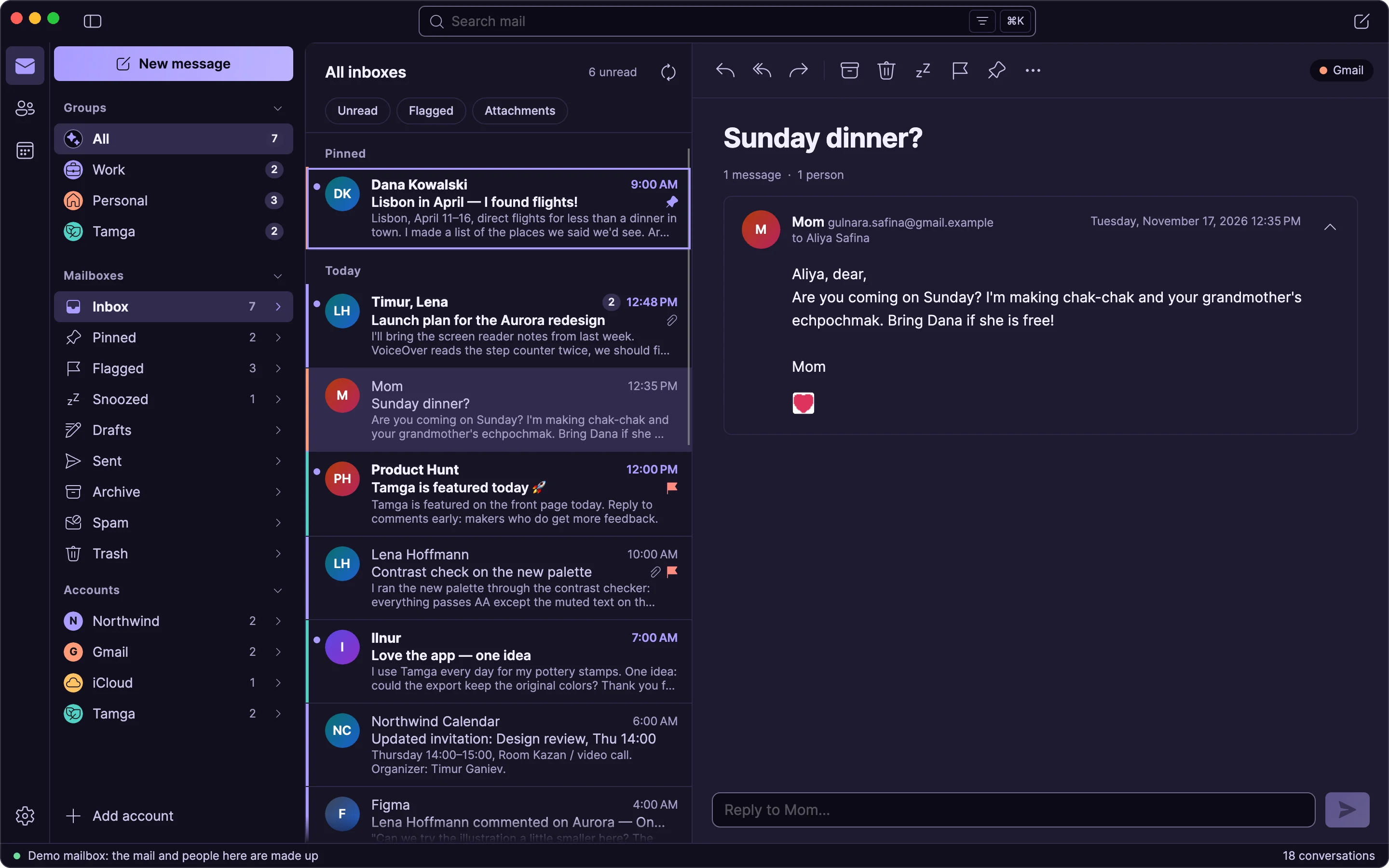
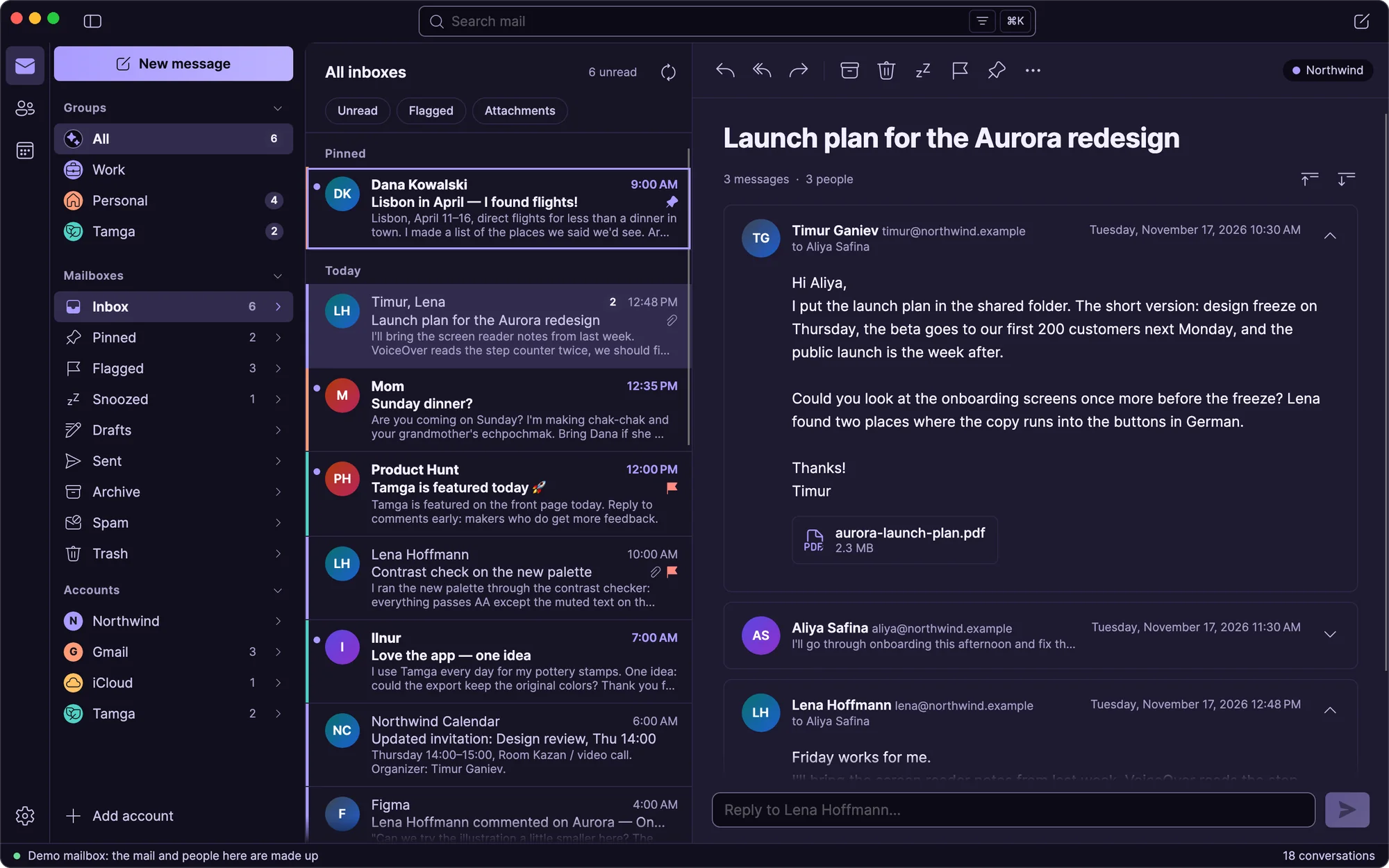
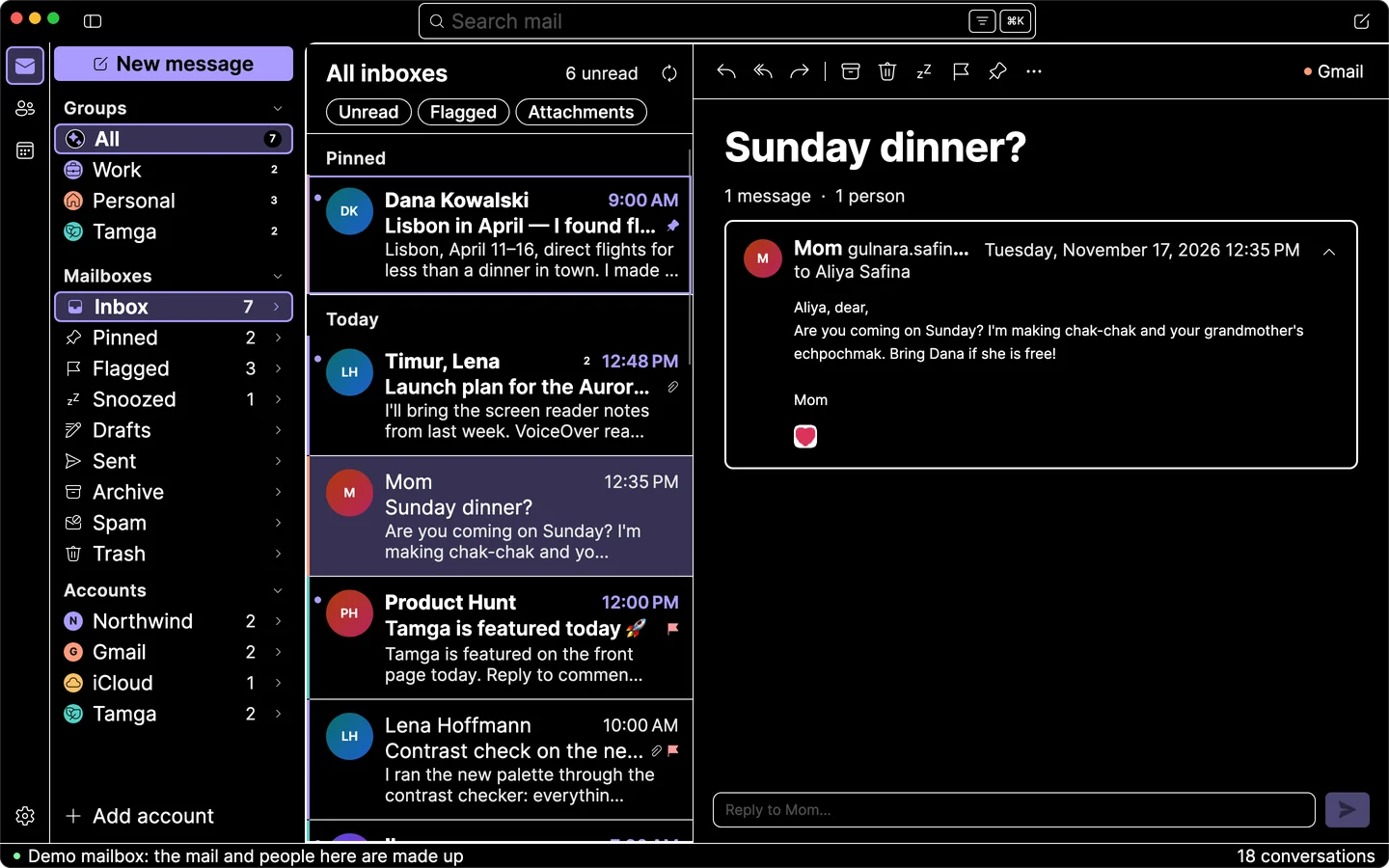
Hatli in the Aurora theme: the inboxes of four accounts in one list, a message from Mom open

Mac, Windows, Linux

Works with

  • Gmail
  • Outlook
  • iCloud
  • Fastmail
  • Yahoo
  • any IMAP server

Work and home, one key apart.

Group your accounts into spaces. Press a key and only that part of your life is on screen.

  • Spaces

    Work, Personal, a side project. Ctrl 1–9 to switch.

  • Every account, one list

    A color shows where each email came from.

  • Undo anything

    Archived by mistake? One click brings it back.

  • Timur GanievNorthwindLaunch plan for the Aurora redesign
  • MomGmailSunday dinner?
  • Product HuntTamgaTamga is featured today
  • Lena HoffmannNorthwindContrast check on the new palette
  • IlnurTamgaLove the app, one idea
  • Dana KowalskiGmailLisbon in April: I found flights!
  • Smile CliniciCloudReminder: appointment on Friday at 9:30
  • Northwind CalendarNorthwindUpdated invitation: design review, Thursday 14:00

Click the inbox, then press 1–4, J K and E.

Faster without the mouse.

Every action has its key. Ctrl K finds everything else.

J K
Next, previous
R F
Reply, forward
E Del
Archive, delete
S P H
Flag, pin, snooze
/
Search

Made for reading.

Clean conversations, top to bottom. Focus mode hides everything else.

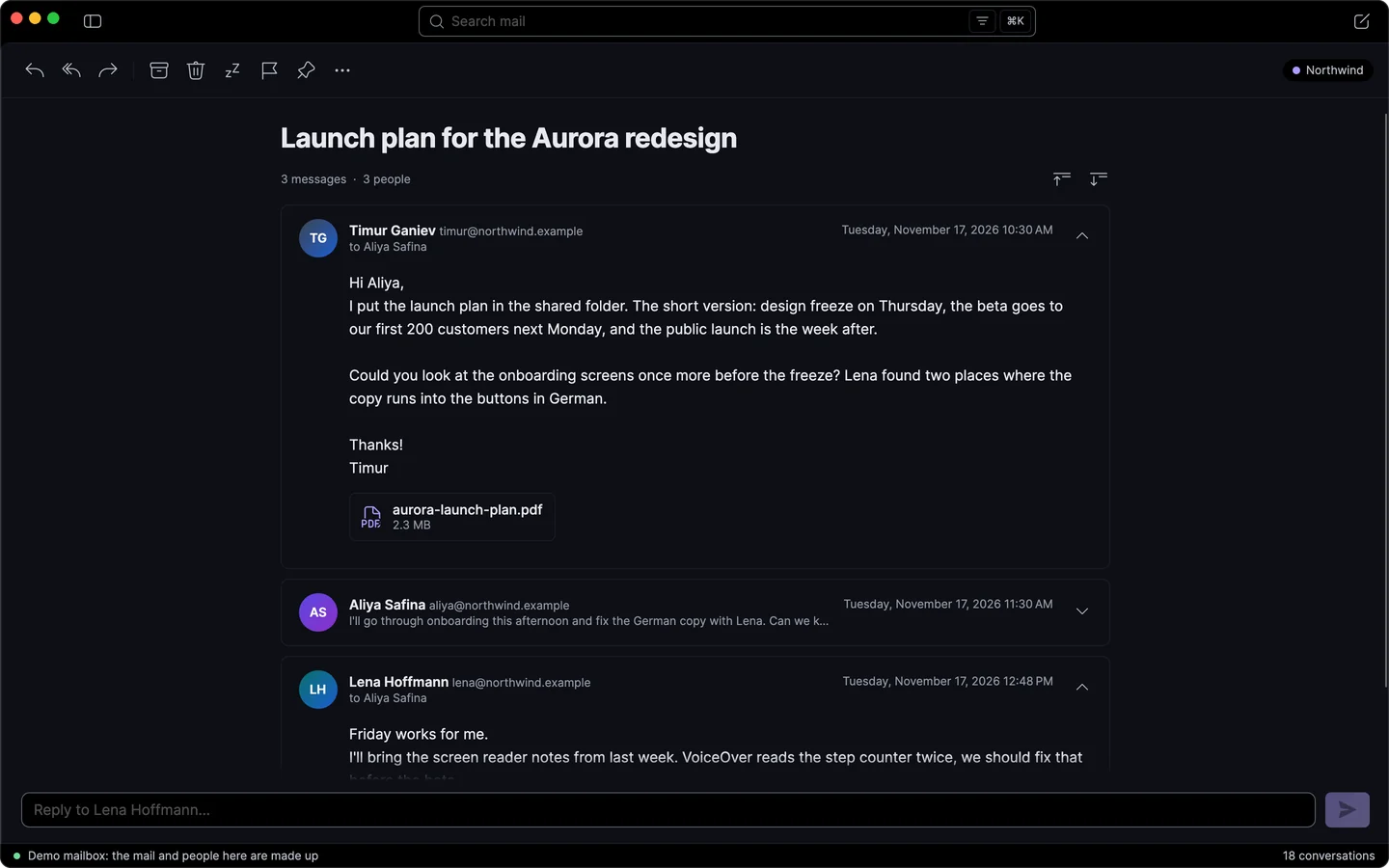
Focus mode in the Midnight theme: a conversation of three messages, nothing else on screen
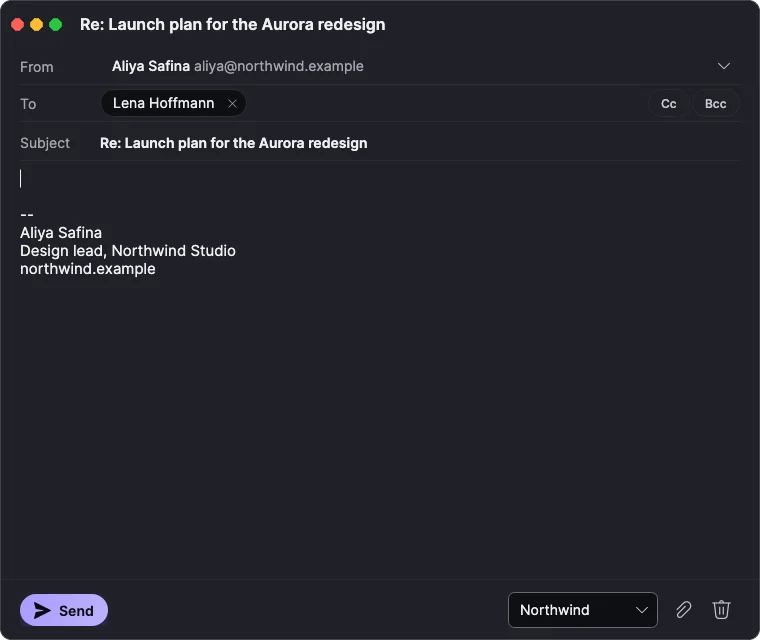
A reply in its own window: the recipient as a badge, the account’s signature below
  • Focus mode

    Just the conversation. Nothing else.

  • Newsletters, safely

    Shown as designed. Scripts never run.

  • Effortless writing

    Signatures per account. Drafts saved as you type.

  • Your reading font

    Literata, Atkinson Hyperlegible or any font you like.

Your mail stays yours.

No trackers. No middleman. Nothing collected.

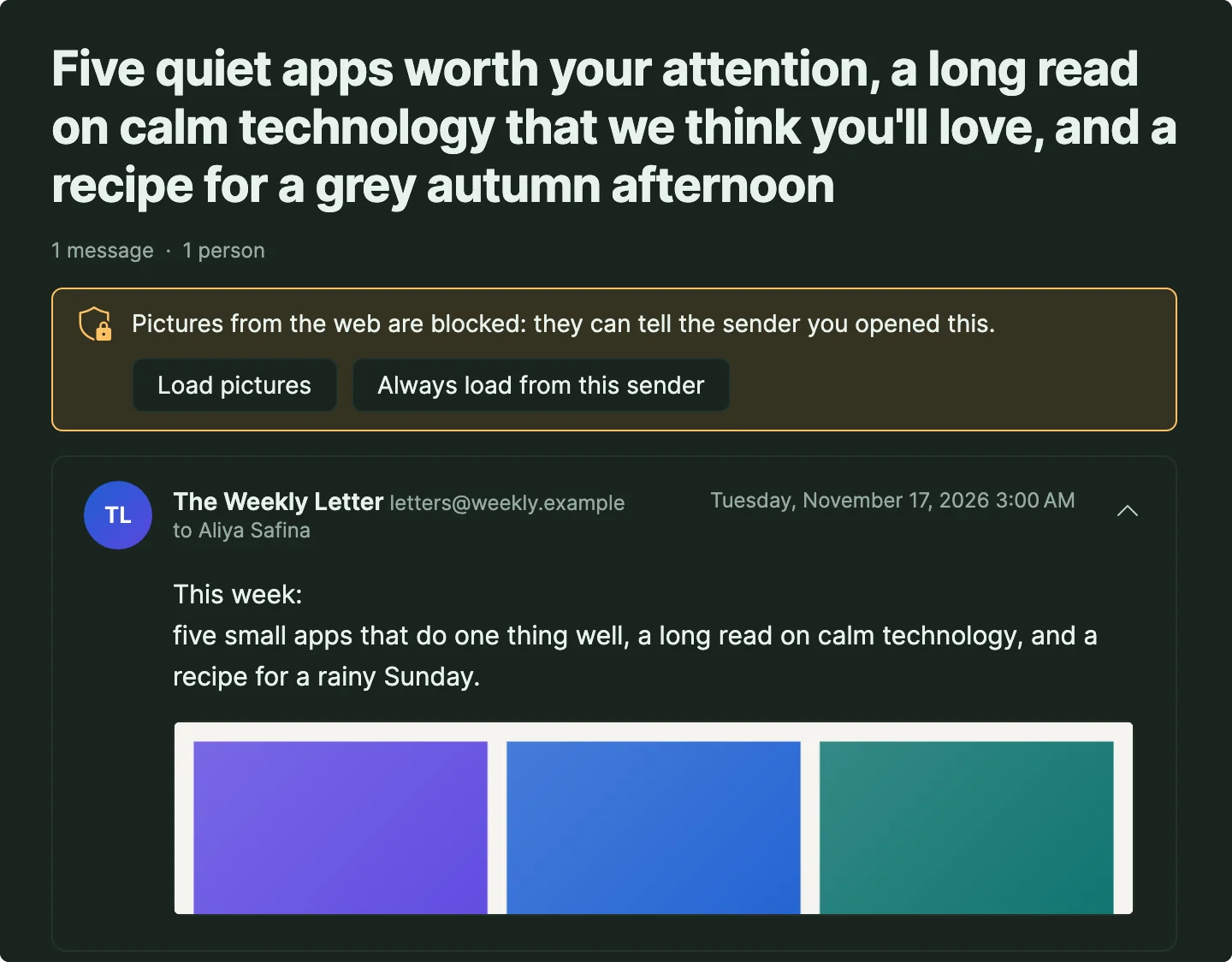
A newsletter in the Forest theme with its pictures held back, and a banner offering to load them
  • Trackers blocked

    Senders can’t see when you open their email.

  • No middleman

    Hatli talks straight to your mail provider. There’s no Hatli server.

  • Passwords in your keychain

    Kept safe by your system, never in a file.

  • Encrypted on your computer

    Saved mail stays unreadable to anyone else.

Make it yours.

Eight themes and nine accent colors. Pick a stamp to try one.

Hatli in the Aurora theme

Or design your own

Change any color, corner or font. Share your theme as a few lines of text.

  • Iris
  • Ocean
  • Teal
  • Mint
  • Amber
  • Coral
  • Rose
  • Grape
  • Graphite
{
  "name": "Plum evening",
  "base": "dark",
  "color.background": "#1B1320",
  "color.surfaceRaised": "#2A1F31",
  "color.accent": "#E58AB8",
  "radius.card": 14,
  "font.mail": "literata"
}

Made for every reader.

Tested with screen readers, with the keyboard alone, and in every theme.

The High contrast theme with text at 150 percent: white on black, a yellow accent
  • Screen readers

    Everything has a name. Changes are announced.

  • Keyboard only

    No mouse needed. Focus always visible.

  • High contrast

    A dark and a light theme at 7:1 and more.

  • Text up to 200 %

    For the interface and your mail, separately.

  • Fonts that help

    Atkinson Hyperlegible, Andika, OpenDyslexic.

  • Calm motion

    Keeps still when your system asks.

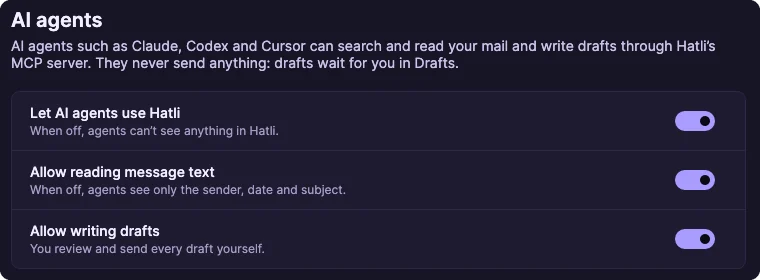
Your AI writes the draft. You press Send.

Claude Code, Codex or Cursor can search your mail and draft replies. Nothing leaves without you.

  • You set the limits

    Full text, subjects only, or nothing at all.

  • Set up in a minute

    Copy one command from Settings.

Terminal

you find Lena's note about the palette and draft a thank-you

⏺ hatli search_messages("from:lena palette")

1 conversation: Contrast check on the new palette

⏺ hatli read_thread("contrast-check")

⏺ hatli create_draft(to: "Lena Hoffmann")

Draft saved in Drafts. Review it and press Send.

Settings, AI agents: let agents use Hatli, allow reading message text, allow writing drafts, each a switch

Get Hatli.

For Mac, Windows and Linux.

macOS

macOS 12 or later, Apple silicon and Intel

Your system

The App Store version has a few limits from Apple’s rules. The .dmg and .zip have everything.

Version 0.1.0

Windows

Windows 10 (1809) or later, x64 and ARM64

Your system

Version 0.1.0

Linux

x64 or ARM64, X11 or XWayland

Your system

Version 0.1.0

Good to know

Does it work with my email?

Yes: Gmail, iCloud, Outlook, Fastmail, Yahoo and any IMAP server.

Does my mail go through your servers?

No. Hatli has no servers. It connects straight to your mail provider.

Do I have to leave Gmail?

No. Your mail stays where it is, and the web and phone apps keep working.

Can an AI agent send email?

No. Agents can only write drafts, and only if you allow it.

What does “Hatli” mean?

Hatli (хатлы) is Tatar for with letters, from хат, a letter.

Bring all your inboxes together.

Download Hatli
  • Mac, Windows and Linux
  • English, Deutsch, Español, Русский, Українська, Татарча